Go to any conference and count the paper business cards that change hands. Then count how many of those are still in someone’s wallet a week later. The numbers are brutal because the card was designed for a world where it was the only way to remember a contact.
A shareable business link does the same job without the waste. It is one clean URL that opens your business profile, with everything a person needs to decide whether to work with you. For members of our business directory, it looks like a normal web address with your business name in it, and it works just as well in Tehran, Toronto, or Tel Aviv.
What is on a shareable business profile?
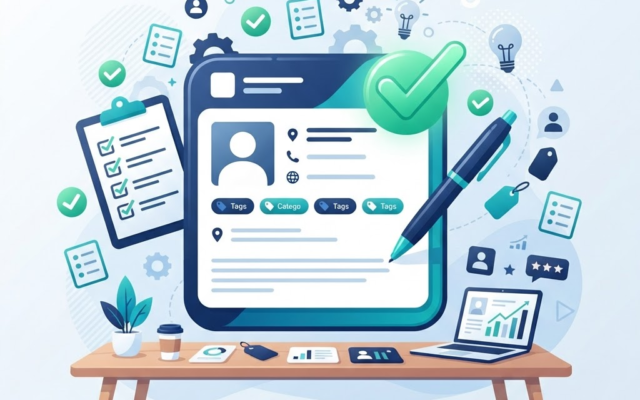
Think of the profile page as your card, expanded to full size. Your business name and logo lead. Then your category and specialty, where you work, the languages you serve, and a description written in your own voice. Your phone, website, or WhatsApp appear exactly where you want people to reach you.
The point of the format is that the visitor does the learning before the contact. By the time someone calls you, they already know what you do, where you do it, and whether you serve clients like them. That means the conversations you have start further along, which is good for both sides.
Where to use your business link
Anywhere you would have handed a card, and a few places you could not have:
- Your WhatsApp status and your email signature, so it travels with every message you send.
- Your WhatsApp and email replies when someone asks what you do, instead of typing the explanation again.
- Family and friend group chats when someone asks for exactly your kind of business, which happens more often than you might think.
- Printed materials, stickers, and storefronts, where a QR code lets a phone do the typing.
Members find their link and sharing tools, including the QR code, inside the member dashboard. Sharing takes two taps, and the link always points back to one current profile, so you are never sending out a version with your old phone number on it.
How do QR codes fit in?
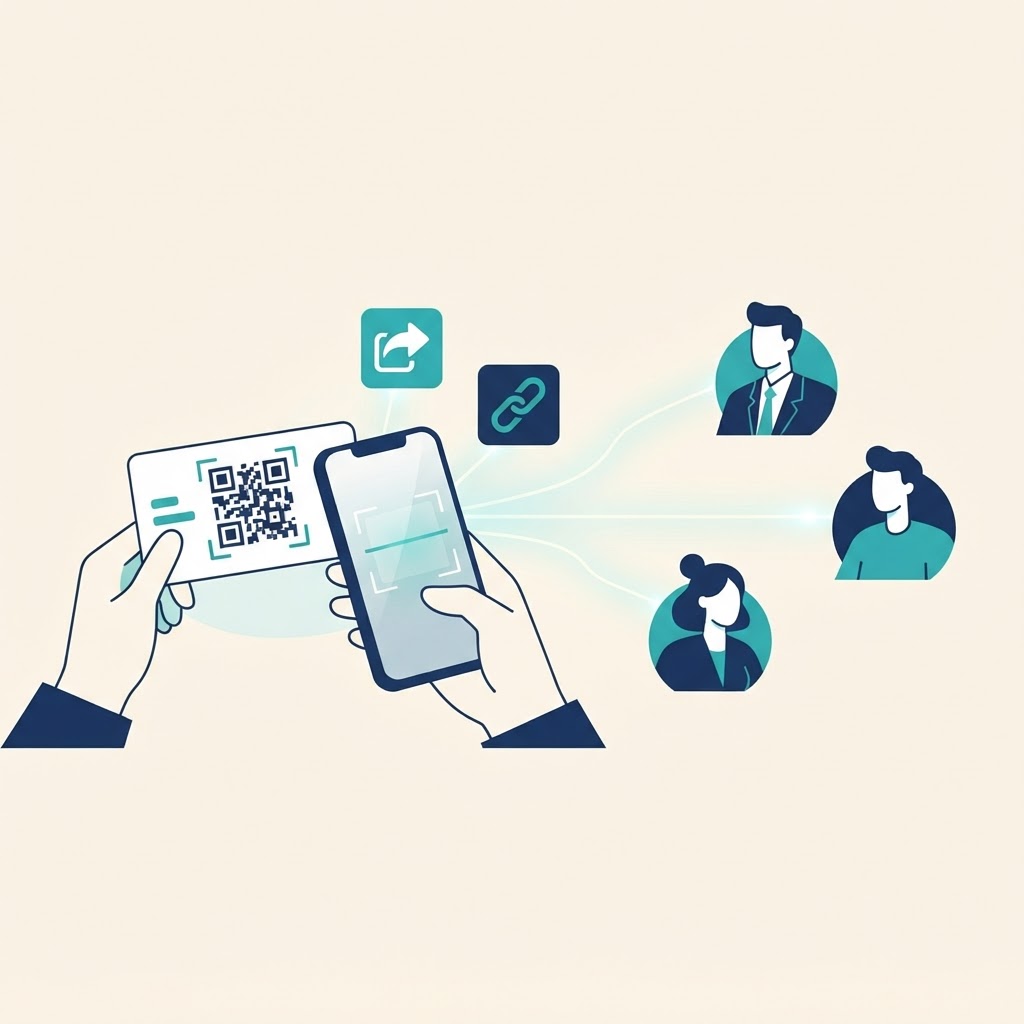
A QR code is just the link, drawn so a phone can type it for you. Printed on a card, a menu, a vehicle, or a shop window, it turns any flat surface into a pointer to your full profile. It works even when you are not standing there to explain what you do.
The practical advantage over a plain paper card is that the code never goes stale. If you move, change hours, or add a service, the printed code still opens the updated profile. The paper card with a wrong number on it, by contrast, keeps advertising the wrong thing forever.
Turning views into conversations
A link only helps if the page behind it does its job, so the same rule from the card world applies: put the real information on the profile. Specialty, service area, languages, and clear contact details are what turn a curious visitor into a call. We wrote a full guide on making your directory listing work harder if you want the details.
Then make it easy for people to find the link in the first place. Members who share their profile consistently, in signatures and statuses, are the ones who get the steady trickle of new inquiries rather than the occasional surprise.
The card still has one good use
To be fair, paper is not dead. At a dinner table, a quick card still feels right. But even there, the smart move is a card with a QR code on the back that opens your live profile. You get the ritual and the working link in one object.
The habit worth building is simple: one link, kept current, shared generously. If you do not have a profile yet, you can create your listing and get your link in the same afternoon. It will outlast the next three boxes of cards you were about to order.